DualCloner
Run several accounts of any Android app on one phone, with no root required.
01
Overview
DualCloner lets people run separate copies of any Android app on one phone, each with its own login, data and settings. Work and personal accounts, multiple social profiles or game accounts all sit side by side without logging in and out.
Built with Android · Java · App virtualisation
02
The problem
People juggling more than one account had three bad options: keep logging in and out, carry a second phone, or root their device and risk their security. Most apps only support one account at a time, even on dual-SIM phones.
03
Architecture
Each clone runs inside its own isolated space on the phone, so its data never mixes with the original app or other clones, and it all works without root access.
L1
Launcher
- Clone shortcuts
- Custom names & icons
- Badges
L2
Cloning
- Pick any installed app
- Batch cloning
- Naming patterns
L3
Isolation
- Separate data per clone
- Independent logins
- No root
L4
Privacy
- App lock
- Disguised icons
- Hidden clones
L5
Device
- Wide Android support
- Light on battery
- Stable updates
04
Challenges
True isolation without root
The problem
Two copies of the same app normally share data, so accounts collide and logins break.
The solution
Each clone gets its own isolated environment with separate storage, settings and sessions, created without touching system permissions.
Independent accounts side by side, on ordinary unrooted phones.
Clones that feel like real apps
The problem
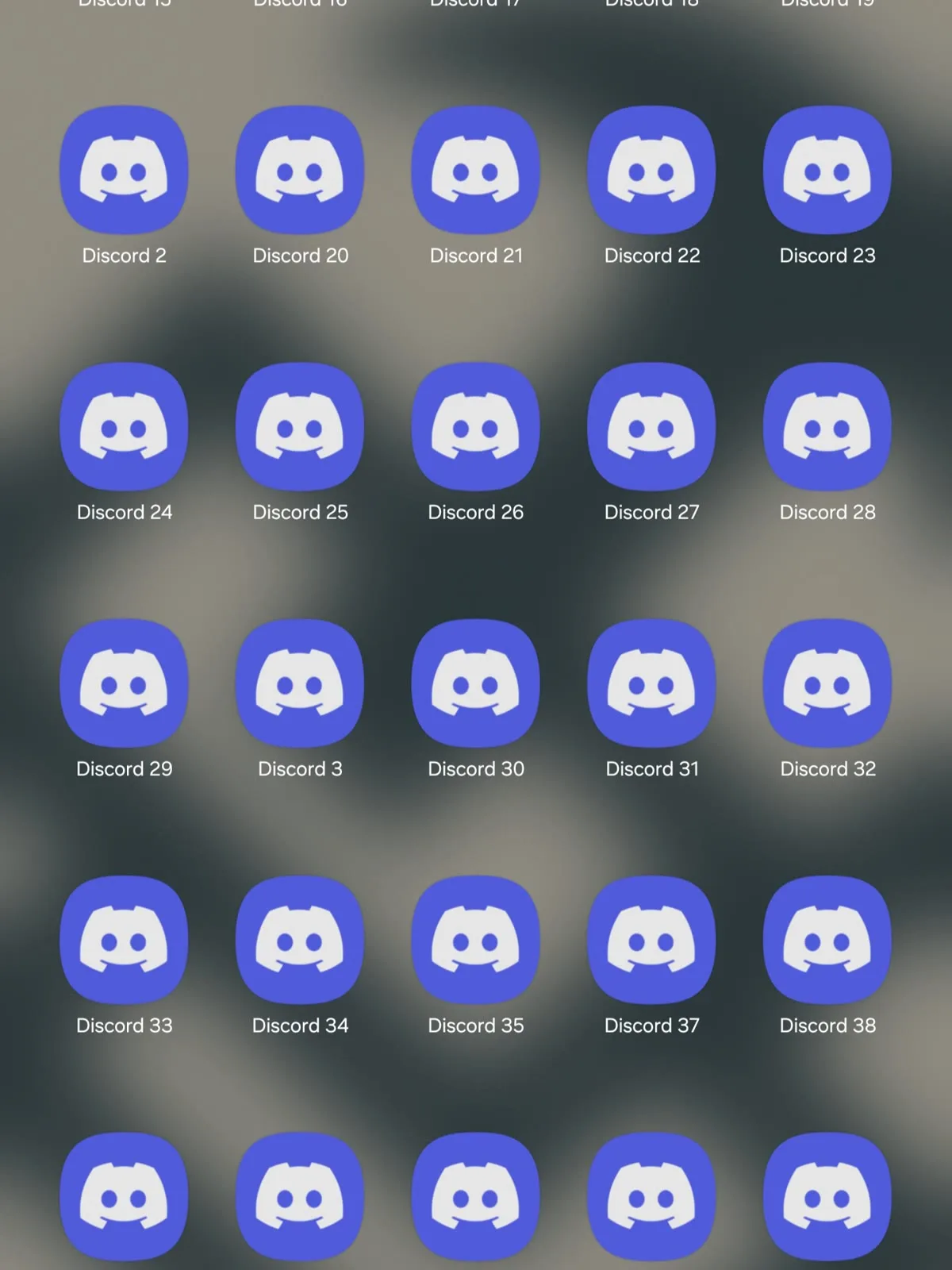
Dozens of identical icons are confusing, and users kept opening the wrong account.
The solution
Custom names, icons, colour tints, badges and naming patterns (1, 2, 3 or A, B, C), plus batch cloning to create many at once.
Users can tell every clone apart at a glance.
Privacy people can trust
The problem
Some accounts are private, and a second copy of an app shouldn't make that harder to protect.
The solution
App lock with PIN, pattern or biometrics, and options to disguise or hide a clone entirely.
Each clone can be locked, disguised or hidden on its own.
05
Key decisions
No-root design
chosen over Requiring root access
Most people will never root their phone; a tool for everyone has to work on ordinary devices.
Batch cloning
chosen over One clone at a time
Power users manage many accounts, and setting them up one by one was the biggest time sink.
06
Impact
50K+
Downloads
4.8
Star rating
No root
Works on ordinary phones
- 50K+ downloads with a 4.8 star rating
- Works with any Android app, with no root needed
- Per-clone app lock, disguise and hide options
- Custom icons, names and batch cloning
07
Gallery

Configuring a clone

Batch cloning

Clones side by side
08
Lessons & what's next
“The best utility apps disappear: people should think about their accounts, not the tool.”
“Small touches like custom icons can matter more to users than big technical features.”
What's next
Smarter organisation for people running many clones.